01 Guide
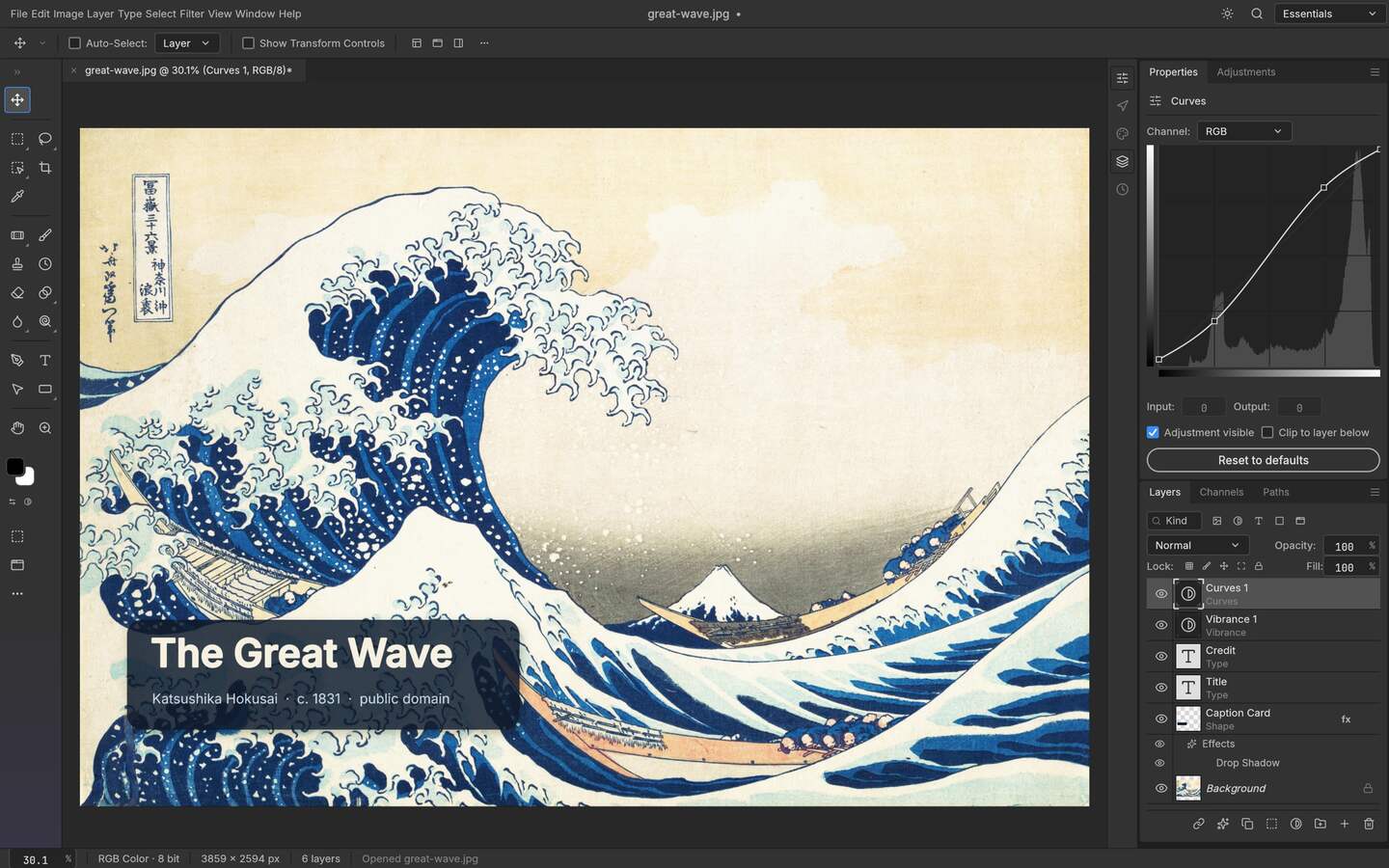
Install the build that matches your operating system from the upstream release, launch it, and learn four things before touching your own work: where panels dock, how layers stack, what the history keeps and how saving a PSD differs from exporting a flat file. This walkthrough covers Linux, Windows, macOS and FreeBSD, plus the browser build.
02 Guide
On Windows, PhotoCraft is distributed as an MSI installer or a portable ZIP for x64 and arm64 machines. Download the exact v0.9.0 release from the upstream GitHub page, verify the release information that is available there, choose the package that matches how you manage the machine, and test a copy of a layered file before using it for production work.
03 Guide
Start by separating four failures that look alike: the application cannot install, the renderer crashes, a file format is only partly supported, or a required font is missing. PhotoCraft is early alpha, so the safest workflow is to reproduce each issue with a copy, record the release and environment, and report the smallest file that demonstrates it rather than flattening the evidence away.
04 Guide
The three Craft apps solve different stages of a creative job. ArtCraft directs AI imagery, scenes and motion; PhotoCraft finishes pixels and layered PSD work locally; VectorCraft draws paths, shapes and artboards. Treat them as a workflow family, not three names for the same editor, and choose the app by the artifact you need to control next.
05 Guide
PhotoCraft reads and writes PSD and PSB, which can make it useful on Linux for files that arrive from a Photoshop workflow; the exact round trip still depends on the document features supported by the release. Open the file, check the layer panel against what the sender described, edit above a copy of the base layer, then save the project before exporting a flat delivery copy.
06 Guide
ArtCraft takes a still into motion by keeping the image as the reference and letting you direct the shot: composite the frame in 2D, place it in a scene for depth, set pose and camera, then hand the step to a model and review the take. Here is that sequence, with the cost and account realities stated rather than glossed over.
07 Guide
PhotoCraft exposes a command-line binary, a JSON control channel and an MCP server, which means one edit definition can drive a single file, a whole directory or an agent conversation. Start with one command on one file, move to a JSON action set for a batch, then expose MCP only once the action set is stable.
08 Guide
Yes, the official ArtCraft site links to a browser entry at app.getartcraft.com. That answers the “where can I open it?” question, but not the more important ones: whether the browser surface has the same features as the v0.41.0 desktop release, where your files are processed, or which model-provider terms apply. Use the browser entry for a quick evaluation, and treat the desktop release as a separate, versioned workflow.
09 Guide
ArtCraft does not publish a Linux desktop asset in the current release checked here. Linux users can still open the official ArtCraft browser entry, or pair a Linux PhotoCraft workflow with ArtCraft on a supported macOS or Windows machine. This guide separates those paths so “ArtCraft for Linux” does not turn into an unsupported installation promise.