Photo & image
PhotoCraft
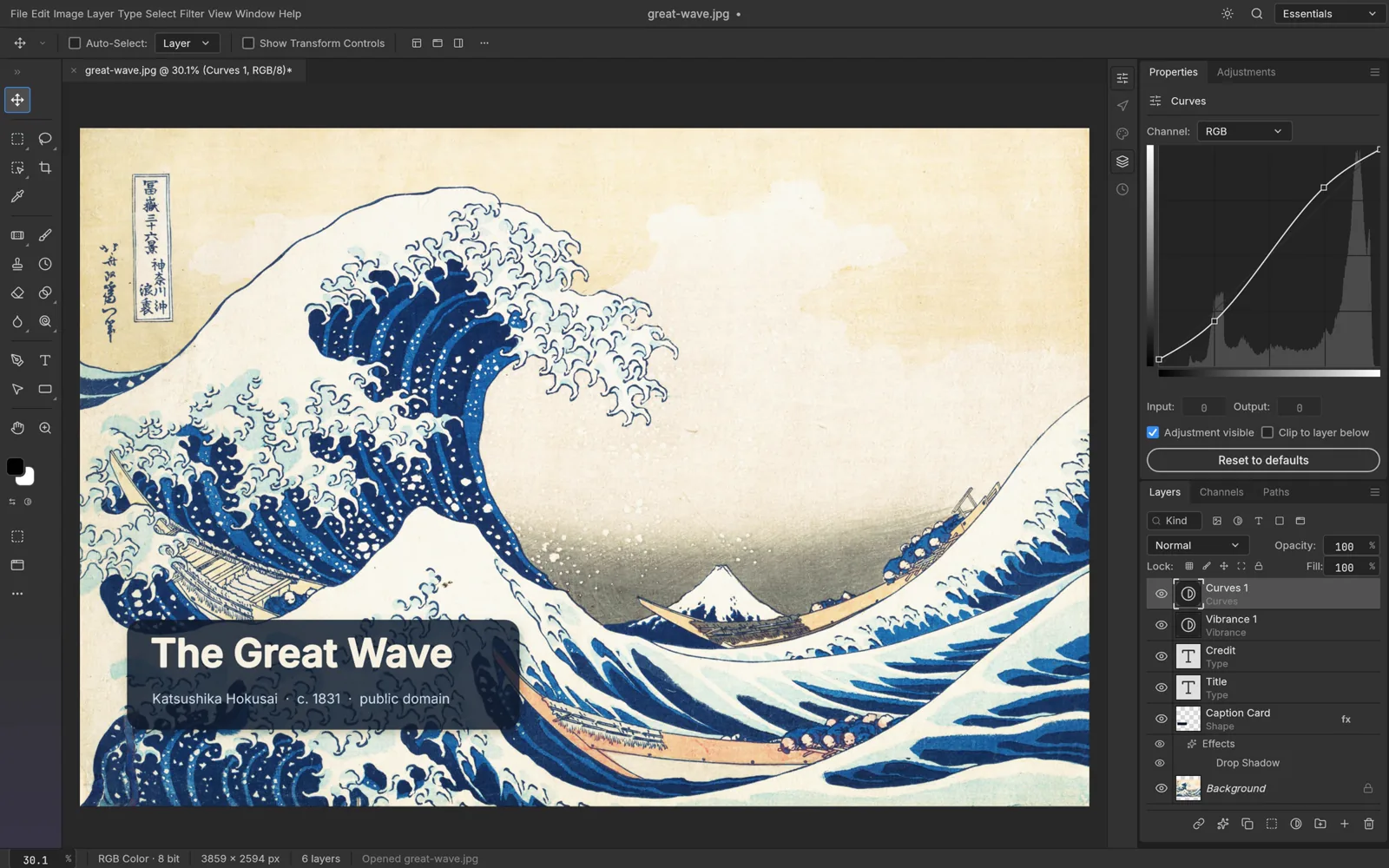
An open-source photo editor written from scratch in pure Rust.
- Linux
- Windows
- macOS
- FreeBSD
- Browser (WebAssembly)
- CLI
Independent community portal · no account on this site · no desktop binaries mirrored here
Open-source creative tools for AI workflows, image editing, video and design.
OpenCraftTools is an independent community portal for open-source creative tools: the 13-app Craft family covers image editing, vector illustration, video, photography, PDFs, motion graphics, layout, interface design, writing, audio, presentations, CAD and spreadsheets. Use it to find the right build for your operating system, try a verified browser editor, read what each tool genuinely does today, and reach the upstream release or source.
Try tools in your browser Download Desktop Apps
Clear boundaries for browser editors, desktop builds and upstream projects.
Facts and download links are checked against upstream releases.
4 verified apps
Open a tool and work with the files you already have. Search by app, format or platform.
Search by app name, file format or operating system.
4 results
Photo & image
An open-source photo editor written from scratch in pure Rust.
AI image & video
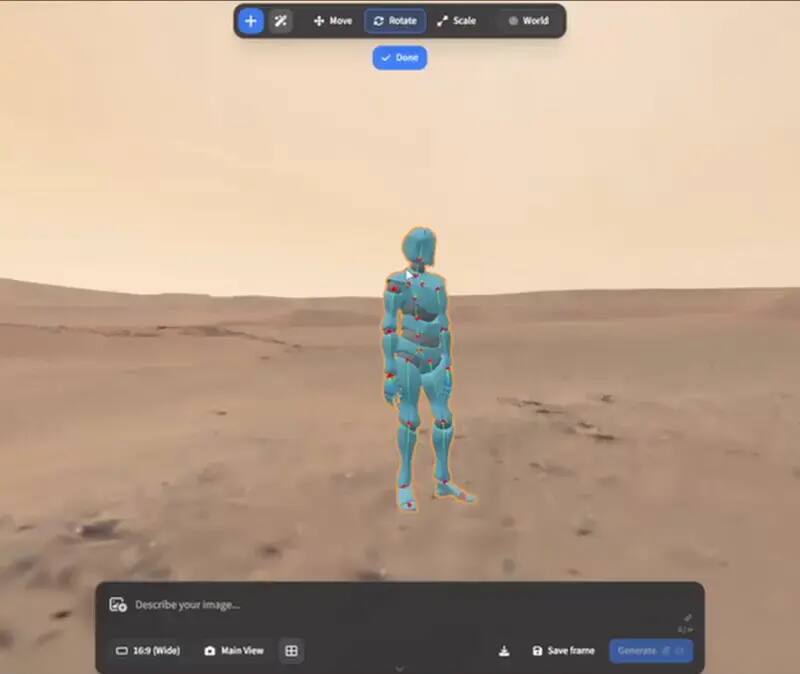
An intentional crafting engine for artists, designers and filmmakers.
Design & illustration
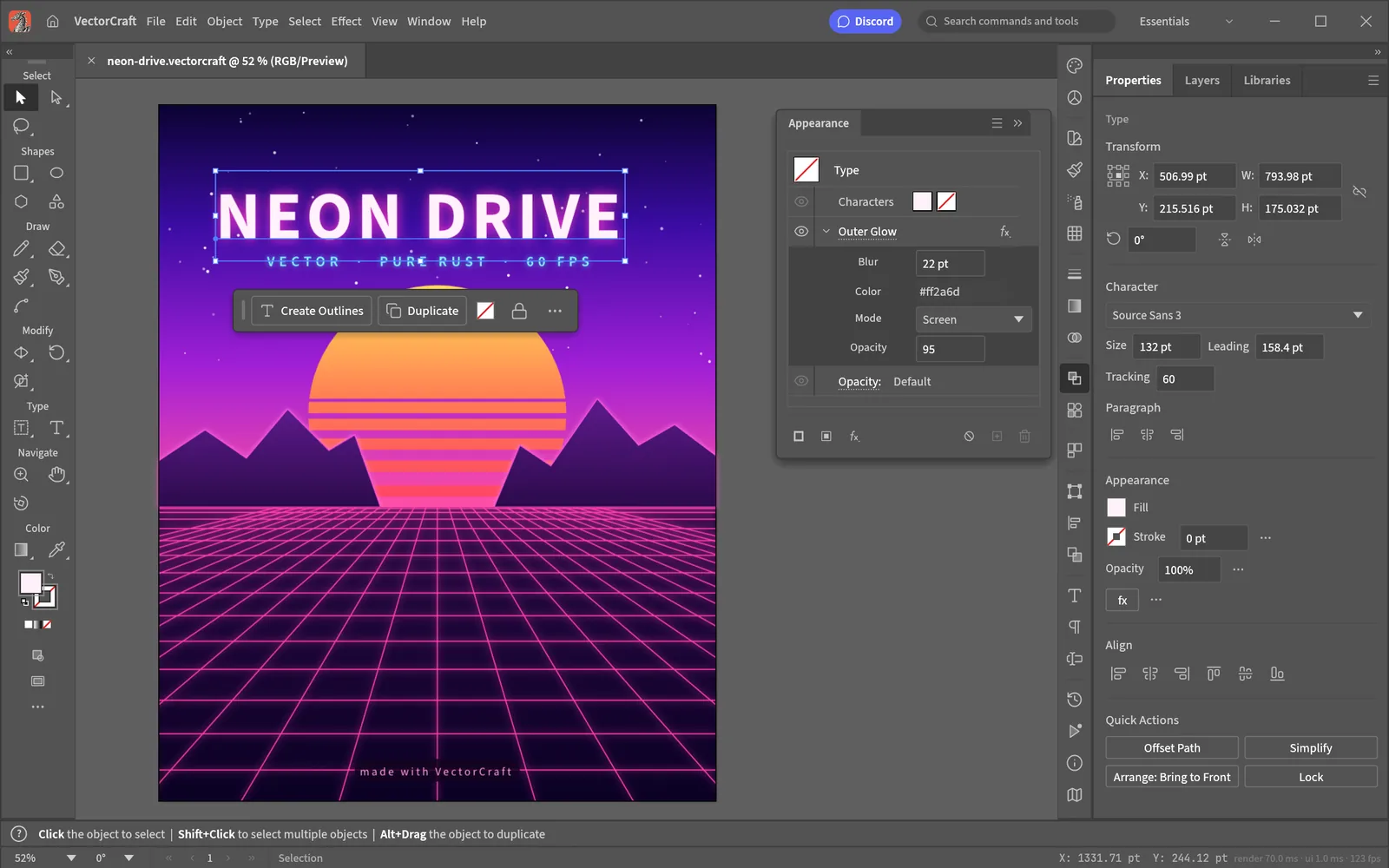
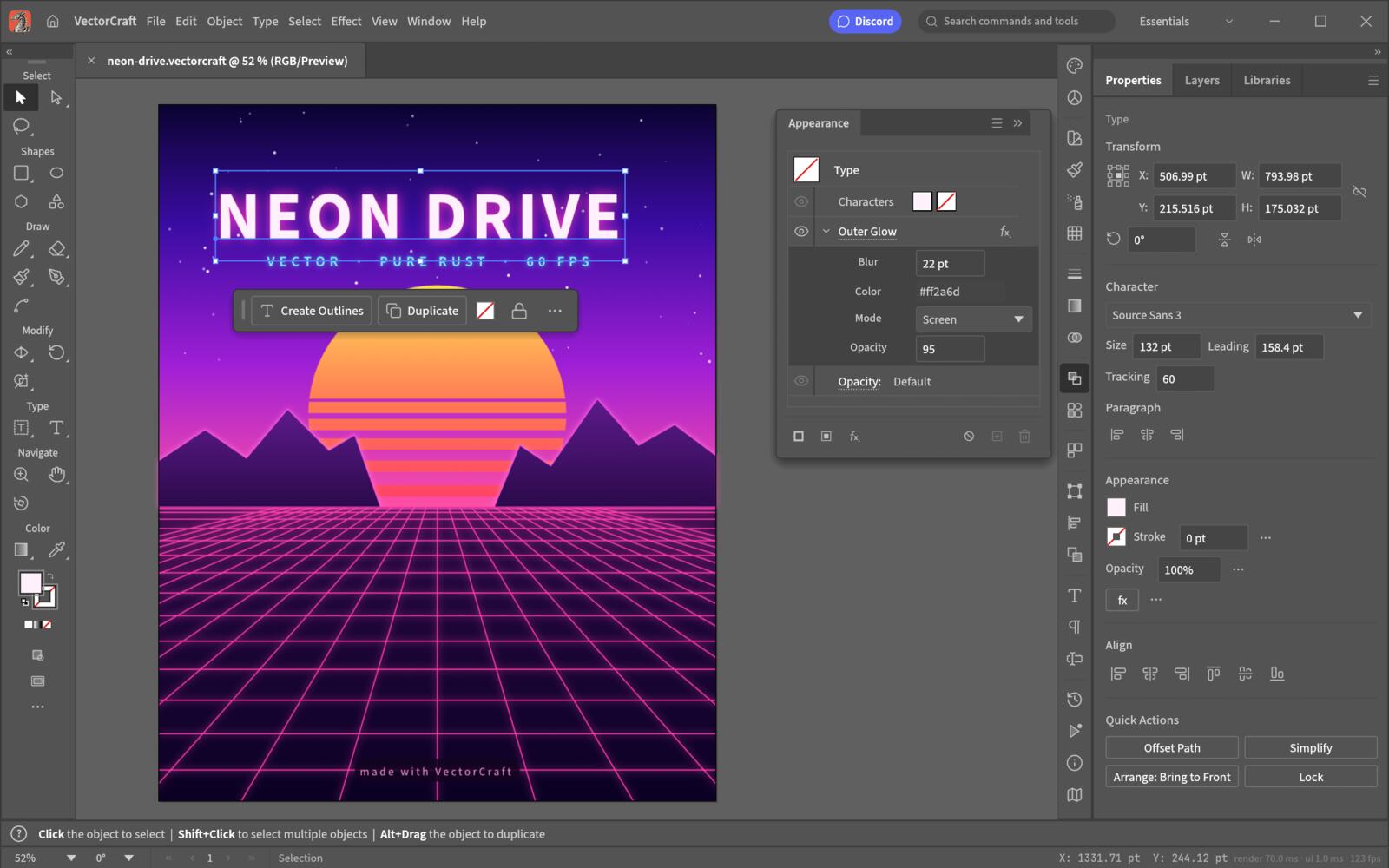
An open-source vector illustration tool written from scratch in pure Rust.

Craft app launcher
A native launcher that installs, updates and opens the Craft App Suite.
No matching tool. Try a product name, file format or platform.
Upstream ecosystem
The Craft family currently includes 13 source-linked apps (checked 2026-10-15). OpenCraftTools keeps GitHub repositories visible for each project, while browser availability, release pins and capability notes are shown separately.
Image editor
Layered photo editing, PSD workflows and automation.
Try in browserVector illustration
Paths, artboards and SVG/PDF-oriented illustration.
Try in browserVideo editor
Timeline-based video editing rebuilt in Rust.
Try in browserPhoto library & raw developer
Local photo cataloguing and non-destructive raw development.
Try in browserPDF workbench
Read, organize, combine, split and secure PDFs.
Try in browserMotion graphics & VFX
Motion graphics and visual effects in pure Rust.
Try in browserPage layout & publishing
Page layout and publishing for print-oriented work.
Try in browserInterface design
Interface design, auto layout and prototyping workflows.
Try in browserWord processing
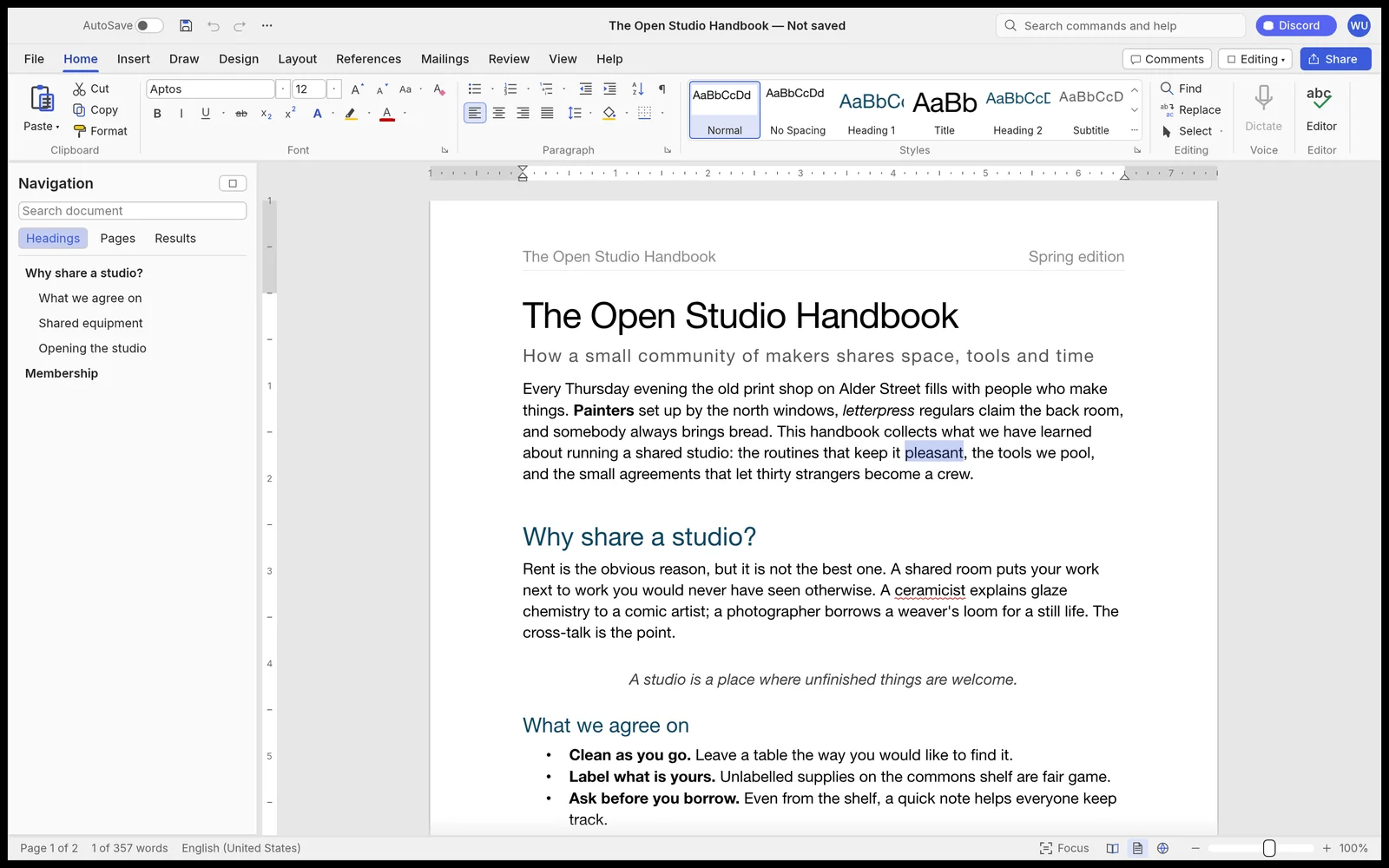
A fast open-source word processor.
Try in browserDigital audio workstation
Audio recording, editing and mixing.
Try in browserPresentations & slide shows
Dynamic slide presentations and delivery.
Try in browserCAD & drafting
Computer-aided design and drafting.
Try in browserSpreadsheets & data analysis
Open-source spreadsheets and data analysis.
Try in browserRead before you choose
Start with the file, format or stage you need. The notes below explain what each browser path can prove, what remains upstream-owned and where a desktop build is still the better fit.
The Craft family covers different stages of a real project rather than pretending one alpha app replaces every mature application. ArtCraft handles controllable AI image and video workflows; PhotoCraft edits layered pixels; VectorCraft handles paths and SVG/PDF work; LightCraft covers photo libraries and RAW development; PdfCraft, WordCraft, GridCraft and DeckCraft work with documents; FilmCraft, EffectCraft and SoundCraft explore motion and audio; DesignCraft, FigCraft and CADCraft address layout, interfaces and drafting. Each entry keeps its source, stage and browser boundary visible.
The distinction matters for cost, privacy and speed, so this site keeps it visible on every page. PhotoCraft does its work locally: your pixels are processed by your CPU and GPU and never leave the machine. ArtCraft orchestrates workflows, but the generation steps call model providers, which means accounts, network use and per-run cost are part of the picture. A tool that claims both at once is usually hiding which one you are paying for.
We are not the official site for any project, and we do not build or mirror desktop installer files. The browser section serves fixed, source-linked WebAssembly packages on this origin; it is not a cloud editing service, upload store or account system. Every desktop download button resolves to the upstream GitHub Release through a single audited exit, and every platform list, version string and licence statement on these pages carries a verification date you can check.
No. It is an independent community portal. Desktop installer files, documentation and release notes belong upstream. The browser area may serve an official static WebAssembly package locally, but it is not a replacement cloud service or official product site.
PhotoCraft and VectorCraft are local-first editing tools and do not require an OpenCraftTools account. ArtCraft depends on which model provider you connect, because generation happens outside your machine.
The core fact cards currently listed here publish under MIT or Apache-2.0, while every Craft family entry links to its own upstream source and licence. That is permissive for commercial use only subject to the terms in each project’s LICENSE and NOTICE files.
That is one of its main design goals. A CLI, a JSON control channel and an MCP server let you script edits and batch a folder, which is what makes it usable inside an agent workflow rather than only by hand.
Each page ends with a source bar naming the repository or release it was checked against and the date of that check. If a fact cannot be traced to a source, it is not printed.