01 Comparison
GIMP is a mature, decade-tested editor whose document model is its own; PhotoCraft is an alpha Rust editor whose organising bet is that layered PSD should round-trip. Both run on Linux. The choice is mostly about whether your files must survive as PSD and whether you want a command-driven pipeline.
02 Comparison
Photopea is a web editor that has run in a tab for years and is familiar to anyone who has opened one in a browser. PhotoCraft offers a browser build of the same Rust engine that runs on desktop, plus a native installer on four platforms. If you want the same engine whether or not the network exists, that is the comparison that decides it.
03 Comparison
PhotoCraft is the open-source Photoshop alternative in this comparison, while ArtCraft is the adjacent AI image and video workflow in the same search. Both open layered PSD files, but Photoshop owns the format and has decades of depth behind it. PhotoCraft is an early-alpha Rust editor that runs where Photoshop does not, including Linux and FreeBSD, costs nothing to install and can be driven from a command line. This page compares fidelity, platforms, automation, generative features and cost before a workflow change.
04 Comparison
Krita is a painting program with a professional brush engine and animation tools, released under the GNU GPL v3. PhotoCraft is a photo editor whose organising bet is the layered document: PSD in, PSD out, plus a command line and an MCP server. Both are free, both keep layers, and neither is a better general answer — so this page compares the specific job of editing and returning layered files, and names what to test with your own artwork.
05 Comparison
Paint.NET is free image and photo editing software for PCs running Windows, with layers, unlimited undo and an active plugin ecosystem. PhotoCraft is open-source photo editor written in Rust that installs on Linux, Windows, macOS and FreeBSD, treats layered PSD as a format it writes as well as reads, and can be driven from a command line or an MCP client. Both cost nothing to run; the differences are platform reach, document fidelity and automation.
06 Comparison
ArtCraft and Adobe are not two versions of the same product. ArtCraft is an open-source tool for directing AI imagery, compositing scenes and sending selected steps to model providers. Adobe is a family of mature apps for image editing, vector design, video and motion. The useful comparison is a workflow decision: which stage does ArtCraft cover, and which Adobe application owns delivery? This page answers “Adobe open source clone” without pretending one Craft app reproduces an entire commercial suite.
07 Comparison
ArtCraft and PhotoCraft are related open-source tools, but they are not interchangeable. ArtCraft is the directing and generation side: composites, scenes, poses, image-to-3D and image-to-video. PhotoCraft is the local editing side: layers, masks, adjustment layers, PSD/PSB, GPU compositing and CLI/MCP automation. Whether you search “ArtCraft PhotoCraft” or “PhotoCraft ArtCraft”, the practical answer is to choose by the stage of the job.
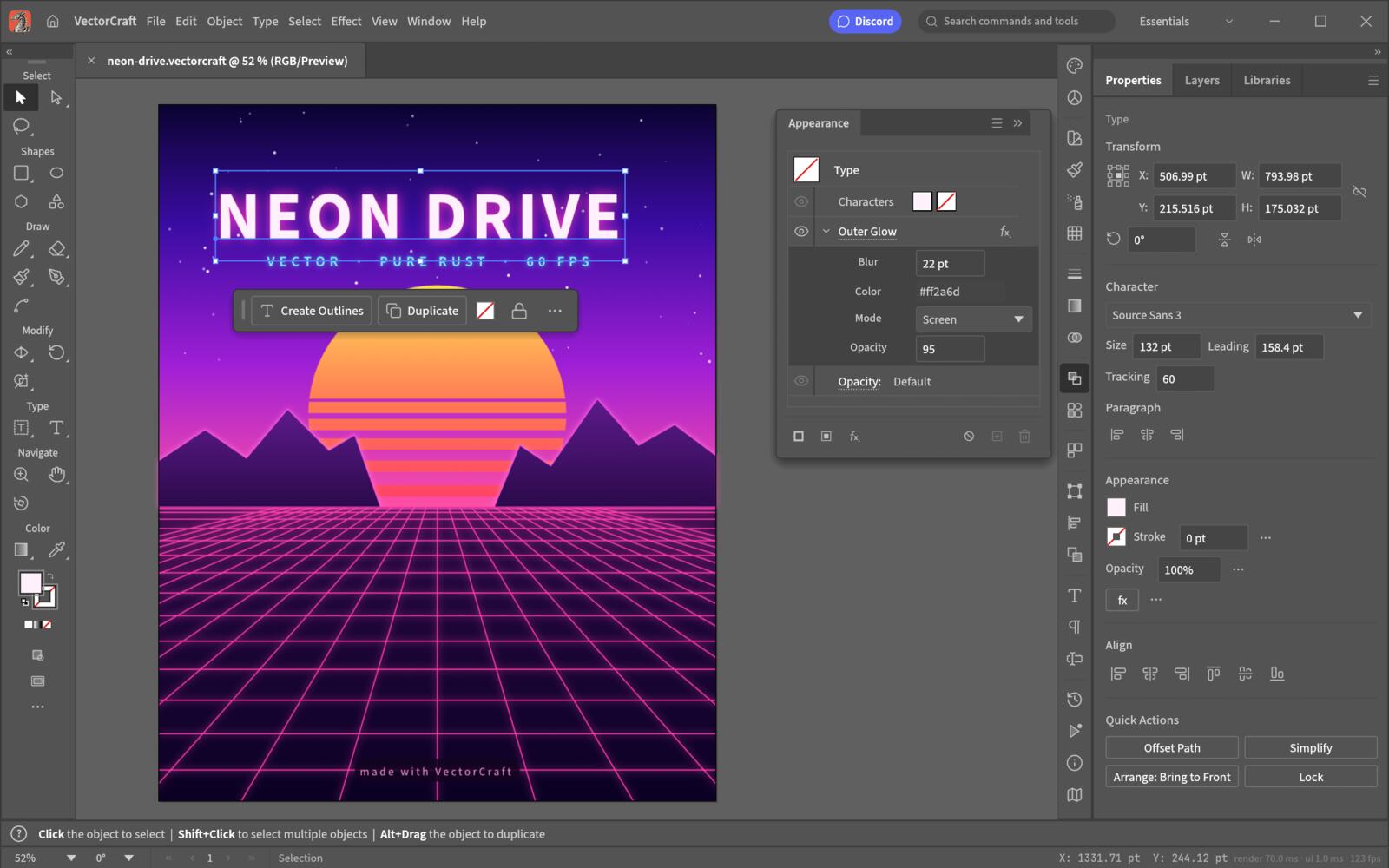
08 Comparison
VectorCraft and Adobe Illustrator overlap in the basic language of vector design—paths, shapes, artboards, type and export—but they are not equivalent products. VectorCraft v0.11.0 is an alpha, open-source Rust project with CLI and MCP automation. Illustrator is a mature commercial application with a long production ecosystem. The useful choice depends on the files, plugins, fonts and delivery process your work actually needs.