
What is the best free open-source Adobe alternative in 2026?
There is no single winner. Use ArtCraft for directed AI creative work, PhotoCraft for layered pixel editing and VectorCraft for vector work, then test the exact files and handoff you need.
A useful free Adobe alternative is not one application with a familiar logo. In 2026, choose by job: ArtCraft for directed AI image and video, PhotoCraft for layered pixels, VectorCraft for vector work, and other tools for documents or presentation paths. This guide maps task, file, privacy and maturity so “free” does not hide provider charges or compatibility work. OpenCraftTools is independent; each project owns its source, release and licence.
Explore the Craft Apps All guides
Written against the build verified on 2026-10-18.
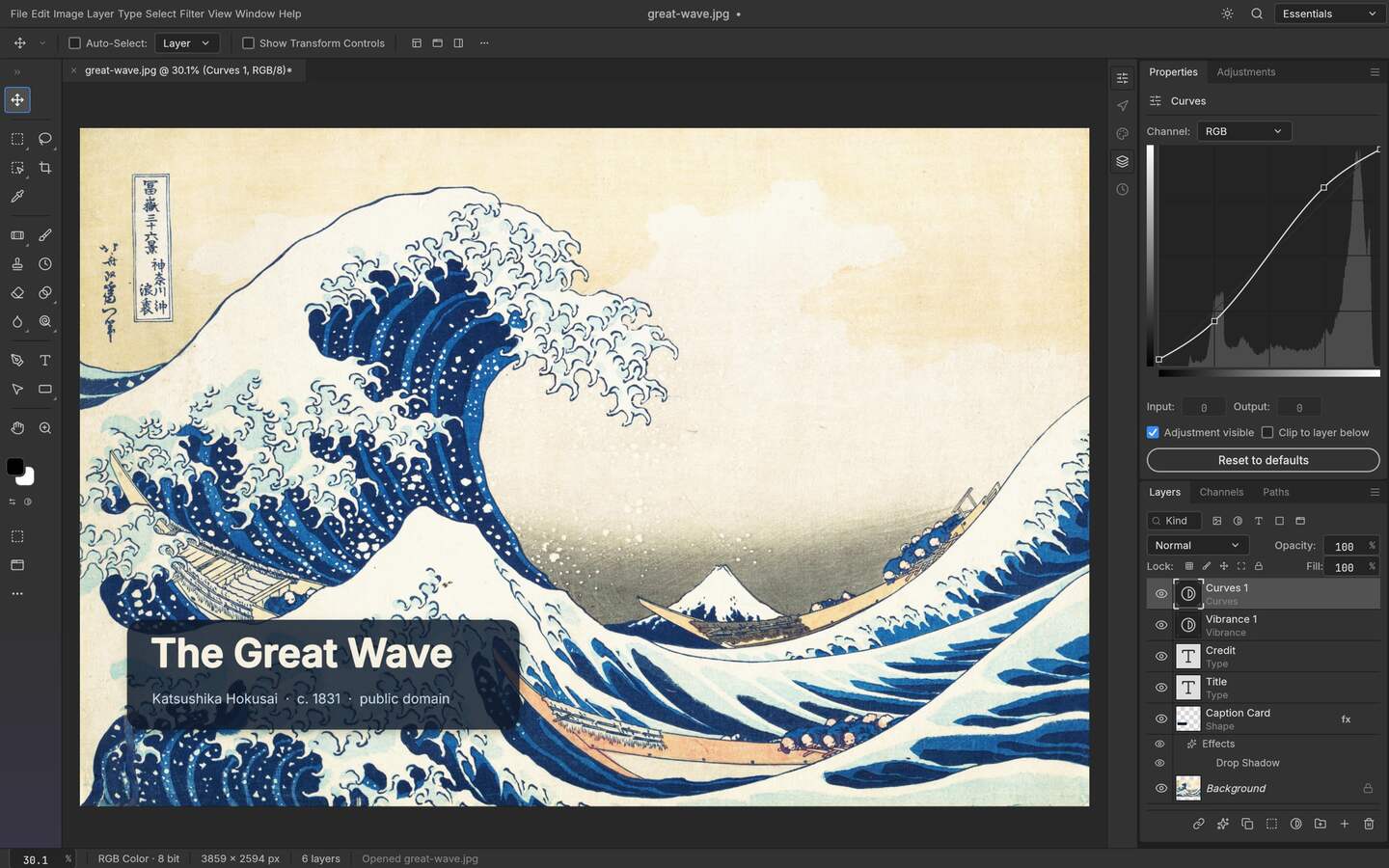
Adobe is a family of applications, services and delivery conventions. An open-source alternative should be chosen by the stage you want to replace: AI concept generation, pixel editing, vector illustration, layout, video finishing, file conversion or browser collaboration. A tool that is excellent at one stage can be a poor replacement for another. The safest first question is “What must the recipient receive?” If the answer is a layered PSD, editable vector, colour-managed video or a complex handoff, file compatibility and recovery may matter more than the headline that the software is free.
| Need | Open-source starting point | First evidence to collect |
|---|---|---|
| AI image or video direction | ArtCraft | Scene control, provider, retry cost and output review |
| Layered photo editing | PhotoCraft | PSD/PSB import, masks, adjustments and export round trip |
| Vector illustration | VectorCraft | SVG/PDF import and export, paths, fonts and artboards |
| Browser-first experiment | The relevant Craft browser entry | Current feature, account, file and privacy boundary |
| Office documents | WordCraft, GridCraft or DeckCraft for bounded tests | DOCX/XLSX/PPTX round trips and recipient acceptance |
ArtCraft is the best fit in this map when the desired alternative is a directed AI creative engine. It can help arrange a scene, work from references, explore a camera or pose and call selected model providers. The code and local composition path may not carry a software licence charge, but generation can still require an account, network access and per-run pricing. A team should calculate the cost of a good output and a failed retry, record the provider and keep a human review step. ArtCraft can replace a narrow creative stage without replacing every traditional editor in the delivery chain.
PhotoCraft is the relevant page when the searcher actually means an open-source Photoshop-shaped editor. The important tests are not the number of toolbar buttons. Open a representative PSD or PSB, inspect layers, masks, text, adjustment behavior and smart-object boundaries, then export and reopen the result in the application that receives it. A browser editor can be convenient while still having memory, file-size or feature limits. A desktop or self-hosted path can change the privacy and recovery picture. Keep the exact version and file corpus in the result.
VectorCraft belongs in the vector lane: paths, shapes, strokes, fills, artboards and SVG or PDF exchange. That is a different replacement question from photo editing or AI generation. Test the real files that carry your risk, including font substitution, clipping, gradients, linked assets, PDF export and the receiving application. A clean SVG demo does not establish that a production illustration with embedded effects or a client font will round-trip correctly. The open-source status is useful for inspection; it does not promise Illustrator compatibility or a commercial support contract.
A creator may combine a browser entry, a local editor and an external model provider. That can be a sensible way to keep the heavy generation stage separate from pixel finishing, but it creates more handoff points. Write down where the source image travels, where a prompt is processed, where the output is stored and which application can reopen it. The browser route is not automatically local, and a local desktop install is not automatically offline if the action calls a provider. Free tooling remains useful when the data path and recovery plan are explicit.
Write down the exact stage: generate, retouch, mask, draw, animate, export or collaborate.
Pick the open-source project whose own page describes that stage instead of comparing an entire suite to one app.
Include the feature, font, layer, provider or export condition that could make the workflow fail.
Have the receiving application and person reopen the result and perform one meaningful edit.
Include provider retries, migration time, storage, support and the fallback needed when the test fails.
Choose ArtCraft for an AI-directed visual experiment, PhotoCraft for a layered image-editor pilot, and VectorCraft for a vector workflow pilot. Choose a mature commercial or established open-source fallback when a file must travel through a team today and unknown compatibility is expensive. The strongest open-source strategy is often composable: one tool for generation, another for editing and a clear export boundary. That is more honest and more useful than calling every new project a full Adobe clone.
Before adopting any free Adobe alternative, verify the current release, source, licence, operating system asset, provider path, privacy notice, file formats, export behavior and recovery plan. Keep the original files unchanged, pin the version that passed and update the test when the upstream project changes. OpenCraftTools can point you toward a practical starting page, but your own file corpus, recipient and deadline decide whether a replacement is good enough. “Free” is the entry condition; a repeatable workflow is the real result.
An open-source alternative is not automatically the right answer when the cost of uncertainty is high. Keep the established application when a deadline depends on a particular plugin, a complex colour pipeline, a legacy file, a regulated approval path or a recipient who cannot change software. That does not make the open-source project irrelevant. It gives the project a bounded place to prove value: concept work, a non-critical export, an internal diagram, a local edit or a small browser canary. If the canary passes repeatedly, expand the scope one operation at a time. If it fails, keep the evidence and the fallback. The result is still useful because it identifies the exact missing capability instead of producing a vague verdict that a free tool is either perfect or worthless. In 2026, the practical alternative is usually a staged toolchain with explicit handoffs, not a one-click suite swap.
There is no single winner. Use ArtCraft for directed AI creative work, PhotoCraft for layered pixel editing and VectorCraft for vector work, then test the exact files and handoff you need.
No. It covers selected AI image and video stages. A traditional editor may still be needed for layers, masks, typography, colour, file delivery and revisions.
The application may have no licence charge, but providers, hosting, support, storage, migration and generation retries can still cost money. Read each project’s current terms.
PhotoCraft is the relevant Craft-family editor to evaluate for PSD and PSB workflows, but compatibility must be checked with your own file and receiving application.
Only after licence, privacy, provider, output quality, recovery and file-handoff checks pass for the exact project and release. Keep a fallback until then.